

Meeting Room Display Buying Guide: Size, PoE & Booking
Choose 10.1 or 13.3 inch room signage by workflow, readability, PoE, booking software and sample acceptance. Includes a project enquiry worksheet.
Decision frameworks, not catalogue copy — how to choose the right display for your install environment, with the spec checklist and the four-step method.
Plain-language selection guides for B2B display buyers. Start with the installation environment, compare the specifications that change the outcome, then turn the result into a quote-ready configuration.
Choose 10.1 or 13.3 inch room signage by workflow, readability, PoE, booking software and sample acceptance. Includes a project enquiry worksheet.

Stop sunlight from washing out your storefront. Compare brightness, optical bonding, orientation, mounting and enclosure depth.
Read the guide →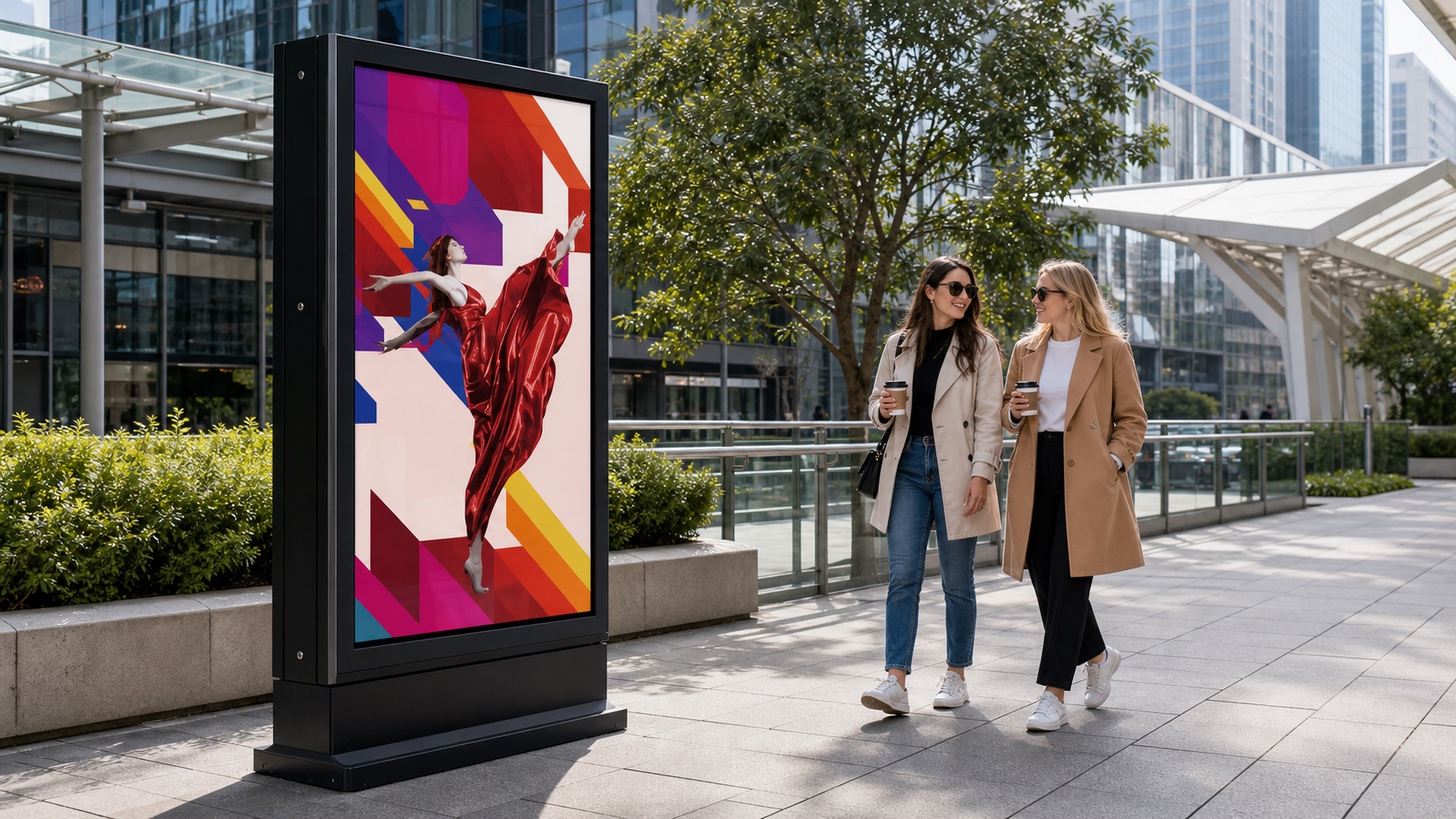
Specify for heat, rain and public-space operation. Compare enclosure protection, thermal design, cover glass, brightness and CMS.
Read the guide →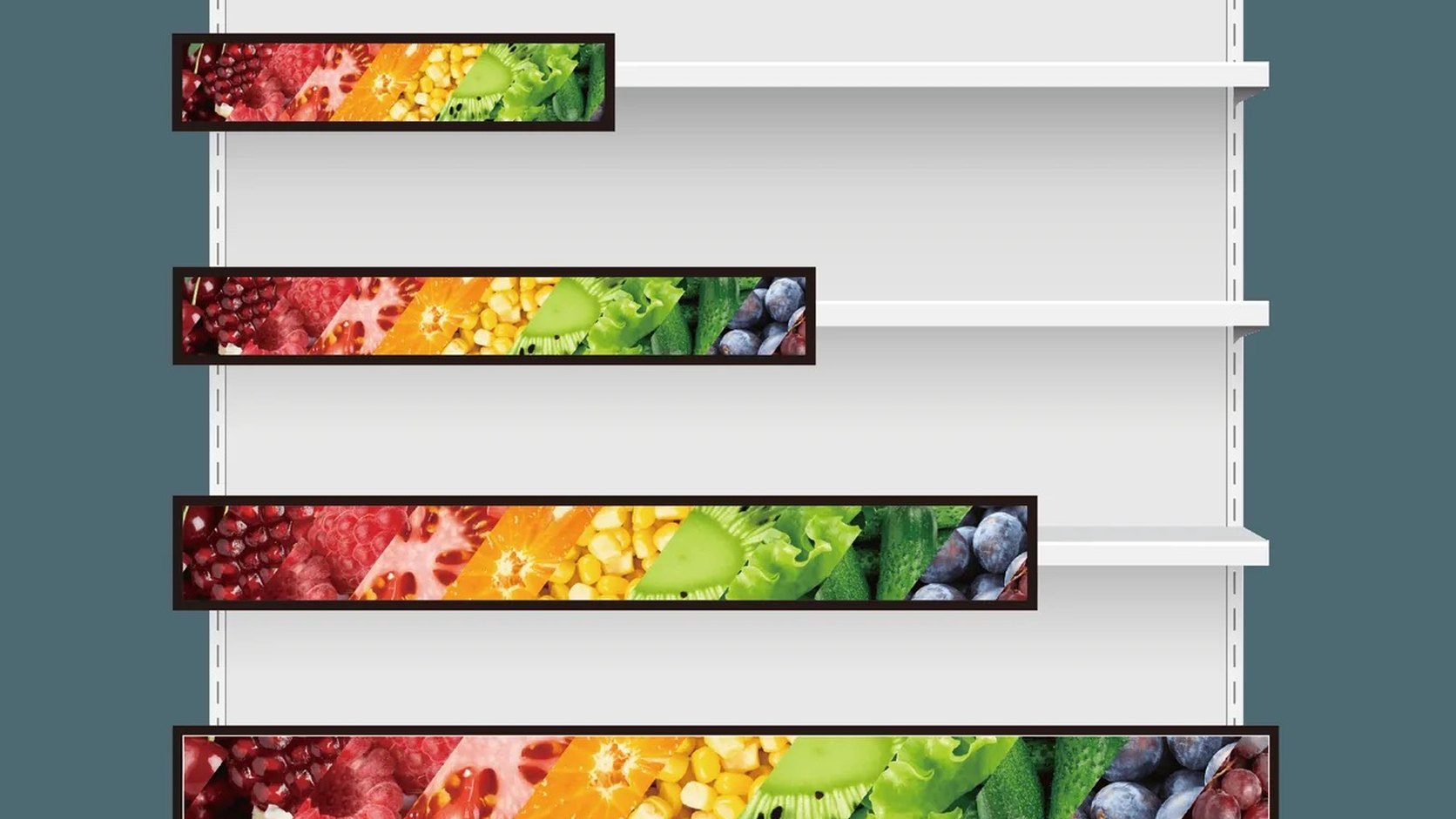
Fit the display to the shelf. Compare aspect ratio, brightness, depth, rail-bus power and daisy-chain sync.
Read the guide →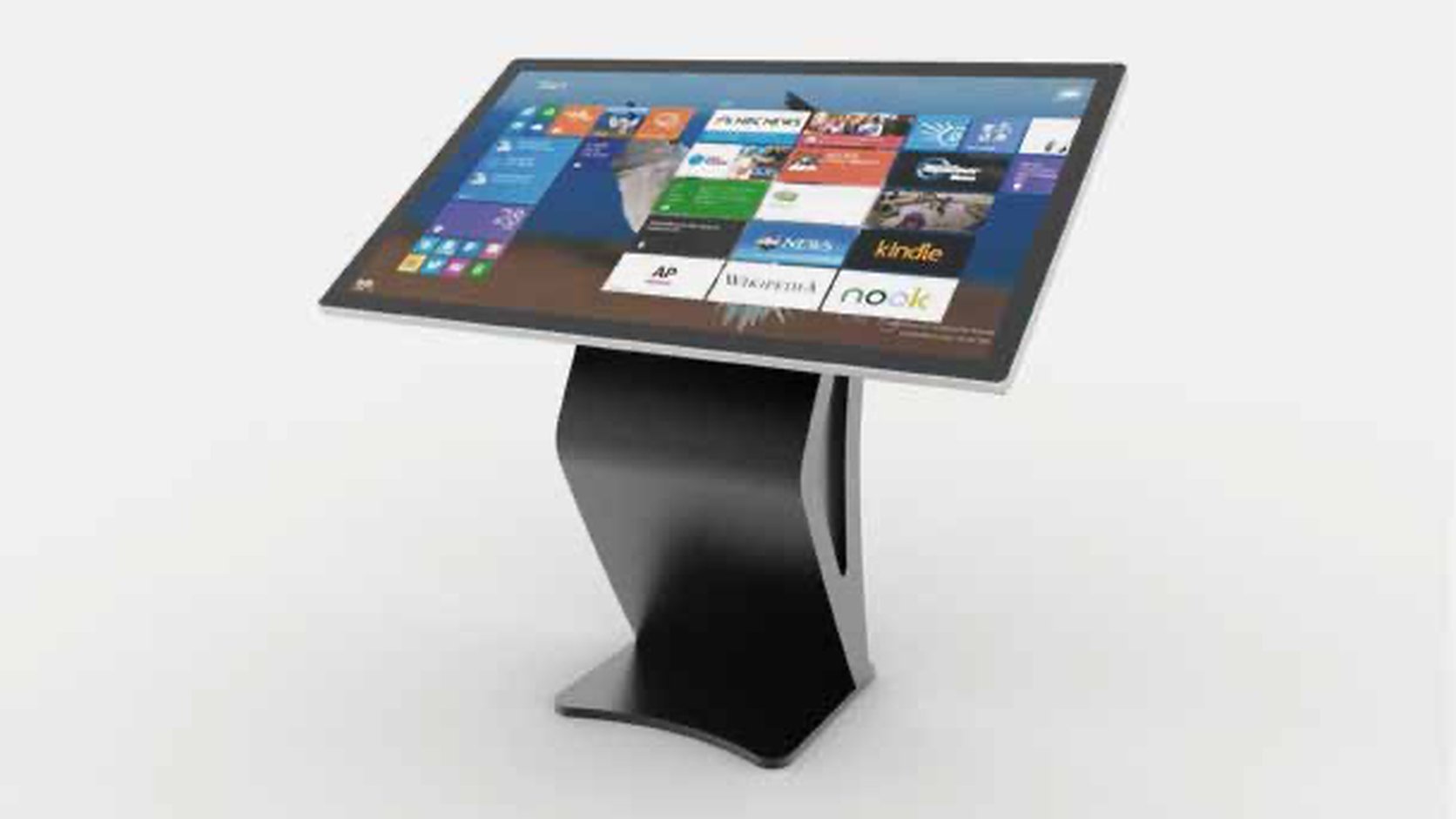
Match the kiosk to the venue: size and placement, 10-point touch, brightness, OS and CMS.
Read the guide →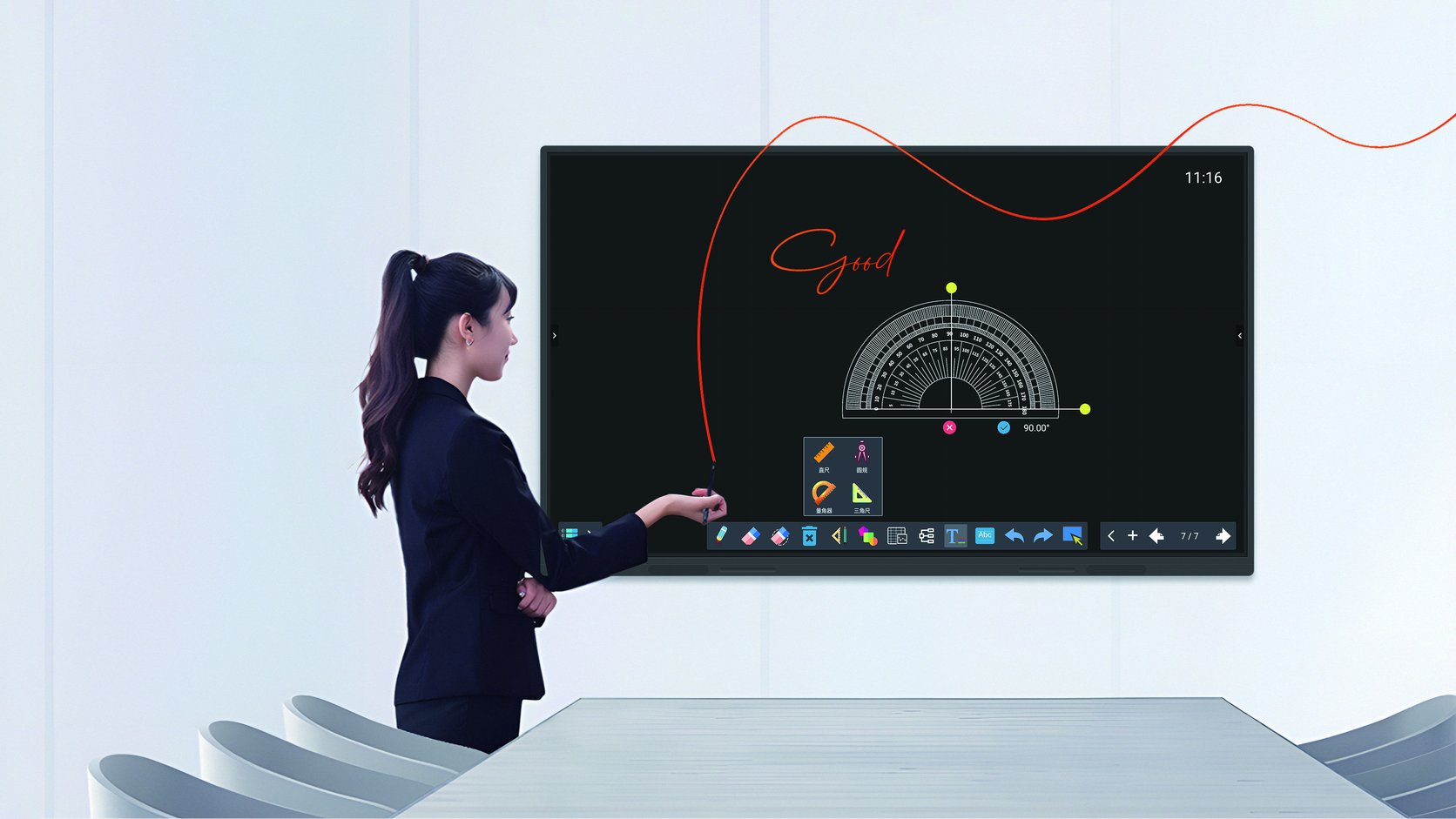
Match the IFP to the room: size, 4K UHD, 10-point touch, Android EDLA vs Windows, OPS.
Read the guide →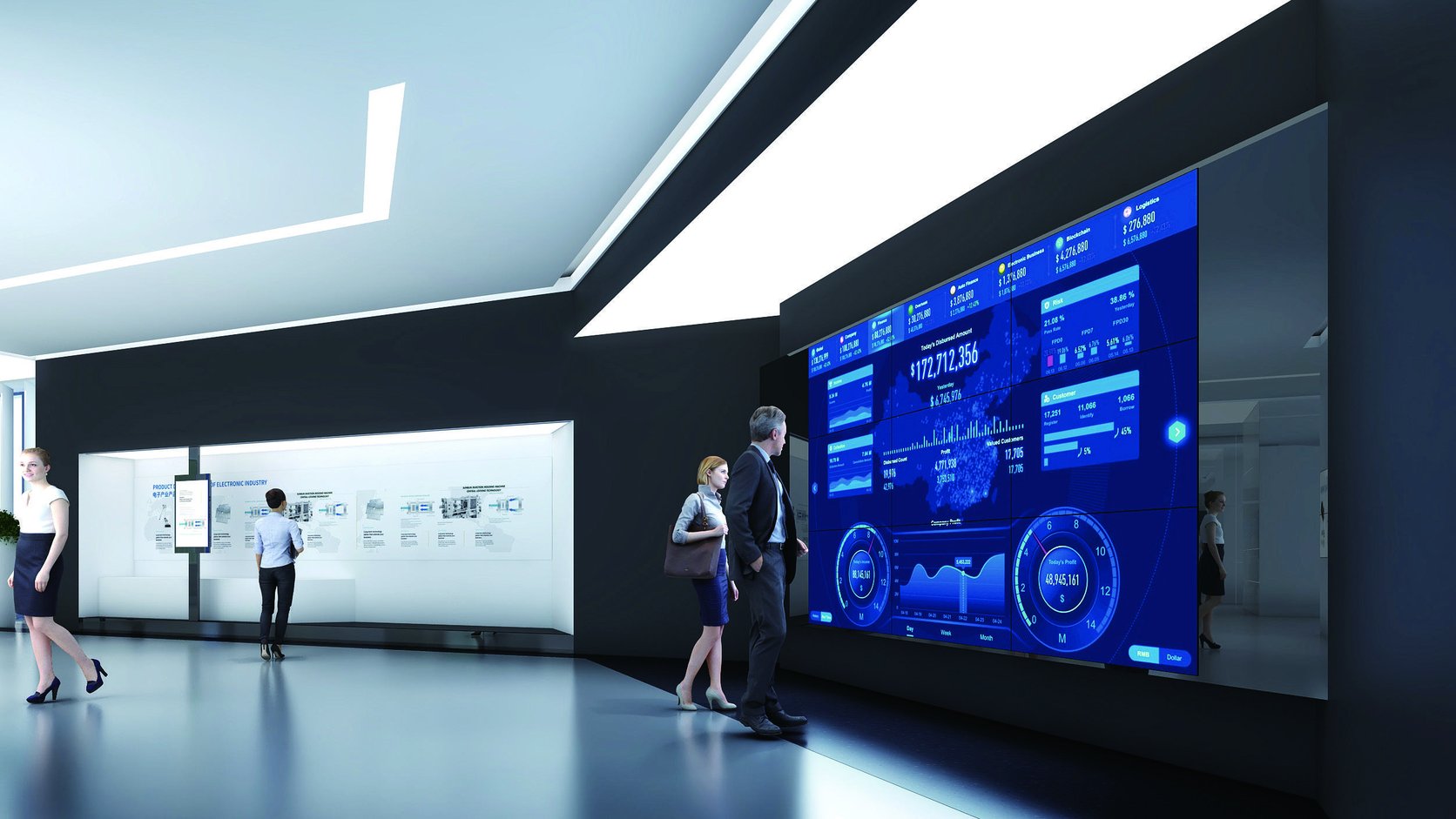
Match the wall to the venue: panel size and bezel, brightness, controller and array.
Read the guide →
Match the unit to the deployment: daylight brightness, battery runtime, IP rating, transport.
Read the guide →Bus roof monitors, motorized MPV and RV screens, rear-seat entertainment, advertising and electrical configuration.
Each guide is written from the factory side of the table, with the trade-offs and input data needed before a reliable quotation can be prepared.
Location, ambient light, weather exposure, operating hours and installation constraints.
Brightness, protection, optical design, thermal system and mounting requirements.
Convert the scenario into a clear, comparable specification for supplier review.
Confirm quantity, target market, compliance files, MOQ and production lead time.
Tell us the size, brightness, quantity, installation environment and target market. We will confirm the suitable model, MOQ, lead time and compliance files.
Related: Solutions by application · Comparison guides · Application case studies